How to Setup ASP.NET Core Health Check UI
· 2 min read

In Part one we setup the health check endpoints, now to add a frontend.
In Part one we setup the health check endpoints, now to add a frontend.
To secure Health Checks it is possible to make them available on internal addresses only, and on a different port to the publicly served pages/API endpoints.
First we need to make the service available over 2 different ports. This can be achieved by adding a Urls value to appsettings.json.
{
	"Logging": {
		"IncludeScopes": false,
		"LogLevel": {
			"Default": "Debug",
			"System": "Information",
			"Microsoft": "Information"
		}
	},
	"Urls": "http://localhost:1114;http://localhost:1115",
	"ManagementPort": "1115",
	"ConnectionStrings": {
		"LoginServiceDb": "Data Source=.,11433;Initial Catalog=LoginServiceDatabase;Integrated Security=true;"
	}
}
This can be done in several ways, and is described in more detail by Andrew Lock in his post 5 ways to set the URLs for an ASP.NET Core app.
Now when you debug the service you should see in the log that it is listening on 2 ports.
info: Microsoft.Hosting.Lifetime[0]  Now listening on: http://localhost:1114
info: Microsoft.Hosting.Lifetime[0]  Now listening on: http://localhost:1115
info: Microsoft.Hosting.Lifetime[0]  Application started. Press Ctrl+C to shut down.
This follows on from my previous post Secure ASP.NET Core Health Checks to a specific port and assumes that you already have your service running over 2 ports and have specified a ManagementPort in the appsettings.json file.
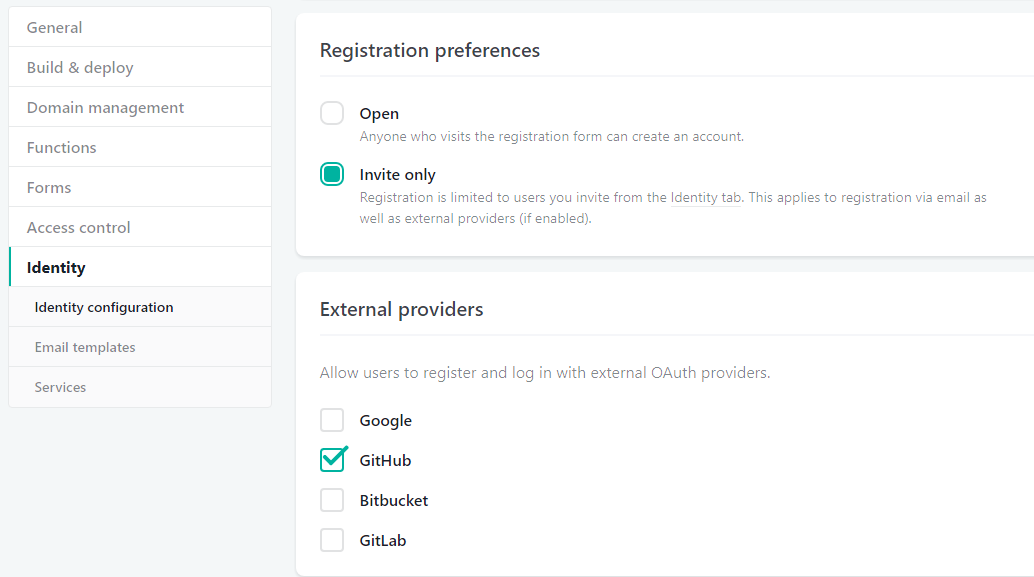
The following was set up in part 1, but it is worth reviewing again. I think more external providers will be available.
Registration settings and External providers are located in settings under Identity