NUnit 3 Tests Are Not Showing In Visual Studio Test Explorer
· One min read

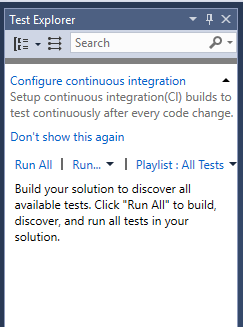
The message suggests that simply building the solution will fix this and the tests will appear in Test Explorer. Regularly that has not been the outcome for me, the Test Explorer window remaining resolutely empty.
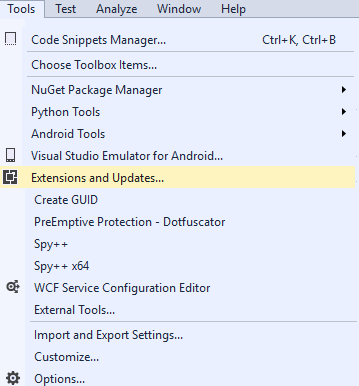
To fix this it is necessary to open Tools ->Extensions and Updates...
Search for NUnit to find the NUnit 3 Test Adapter
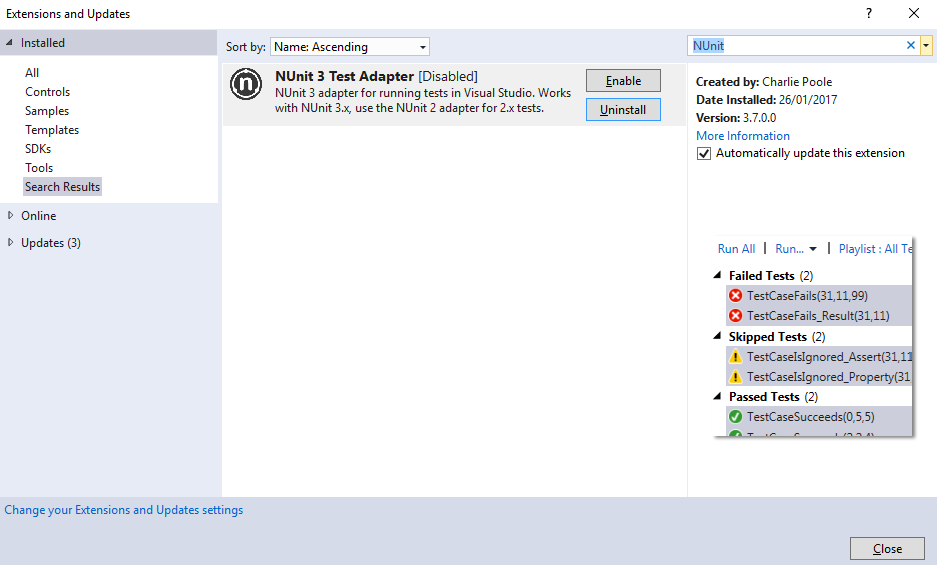 Click enable and restart Visual Studio, the tests now show correctly.